
Logins & settings
Logins and People
Giving somebody a login, what each role can do, passwords, taking access away, and the other admin tools.
Giving somebody a login#
 Open full size ↗
Everybody who signs in has their own email and password. Nobody needs to know anybody else's.
- 1Go to Admin → People. Admin is under your initial on a laptop, in Menu on a tablet, and in Settings → Administration.
- 2Put in their email address.
- 3Choose what they can do — Scorekeeper or Viewer.
- 4Choose where — Every league in the venue, including seasons not built yet, or One league.
- 5Send invite. They get an email with a link, pick their own password, and they are in.
Good to know
Give the tablets at the boards Every league. That keeps them scoring each new season without anyone remembering to grant it again on league night.
Tip
Somebody who already has a login just gains the access; they are not invited again and their password does not change. Until they first sign in, the list says Invited — has not signed in yet.
One league at a time#
 Open full size ↗
League access, on the Admin page, lists who can reach each league and adds somebody to just that one.
What each role can do#
| Role | Can do |
|---|---|
| Admin | Everything: rosters, schedules, scores, money, and adding people. |
| Scorekeeper | Scores matches on a tablet and sees the Weeks tab. Cannot change rosters or money. |
| Viewer | Looks. Changes nothing. |
Good to know
Only the account owner can make somebody an admin. A venue's admin can add scorekeepers and viewers to their own venue only, and cannot remove their own access or change their own role.
Tip
Anyone can see what their own login can do under Settings → My account.
Passwords#
- The first one — the invite email links to a page that asks for it.
- Forgotten — Forgotten your password? under the sign-in button. A link arrives by email and is good for an hour.
- Changing it — Change password, under your initial on a laptop or in Settings. It asks for the current one first, because a tablet left signed in is not proof of who is holding it.
- Somebody stuck at the bar — Send reset link beside their name on the People page. It goes to their email; you never see or choose it.
When somebody stops#
Remove beside their name takes their access away. Their login still exists, but it no longer reaches this venue's leagues.
The other admin tools#
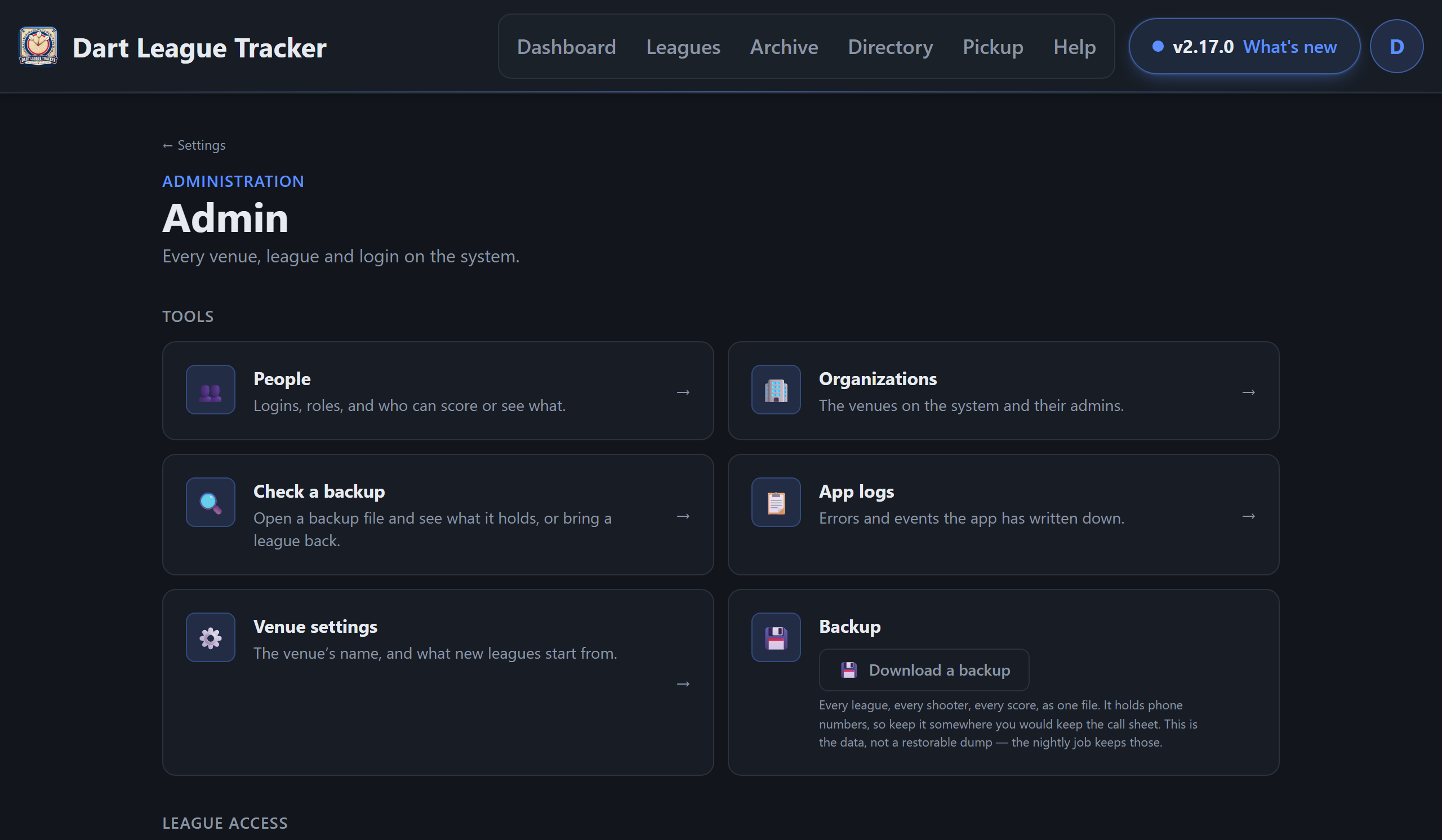
- Venue settings — the venue's name and league defaults, on the Settings page.
- Check a backup — open a backup file on your own device and see what it holds, or bring a league back from it.