
Running a season
The Schedule
Generating a balanced round-robin, rebuilding it safely mid-season, changing a single week by hand, and the read-only Schedule tab.
Generating a schedule#
The League Builder generates the schedule as one of its steps. To do it from the league instead:
- 1Go to the Weeks tab and generate the weeks if there are none yet.
- 2Tap ⚡ Auto-Generate Schedule.
- 3Read the report under it: it spells out how evenly opponents, boards, byes and home/away came out.
It is a true round robin: every team plays every other team as evenly as the week count allows, and nobody meets the same opponent two weeks running. Each team is spread across the boards as evenly as possible and never put on the same board three weeks running. Home and away are balanced per team.
Any team count works. With an odd number of teams one team sits out each week; byes rotate evenly and nobody sits out twice in a row. The one requirement is a board per match: at least the team count ÷ 2 boards, rounded down.
Tip
Some shapes cannot avoid every repeat — with only two boards somebody has to stay on their board each week. The report says so when that applies.
Rebuilding it#
Once a schedule exists the button greys out to ✓ Schedule built. Rebuilding takes a deliberate Rebuild…, then ⚠️ Replace the schedule.
Good to know
Mid-season, a rebuild leaves locked weeks and any week with a match started or finished exactly as they are, and re-balances the rest around them. Before the first night nothing is protected, so it replaces the whole season — and a packet already printed off the old one will no longer match.
Changing one week by hand#
Open a week on the Weeks tab to see its boards. Each board has a Home Team and Away Team dropdown, with the team averages beside them; ✕ Clear empties a board. Warnings appear underneath if the week puts a team on two boards, repeats last week's matchup, keeps a team on the same board two weeks running, or tips a team's home and away out of balance.
Seeing the whole season#
 Open full size ↗
 Open full size ↗
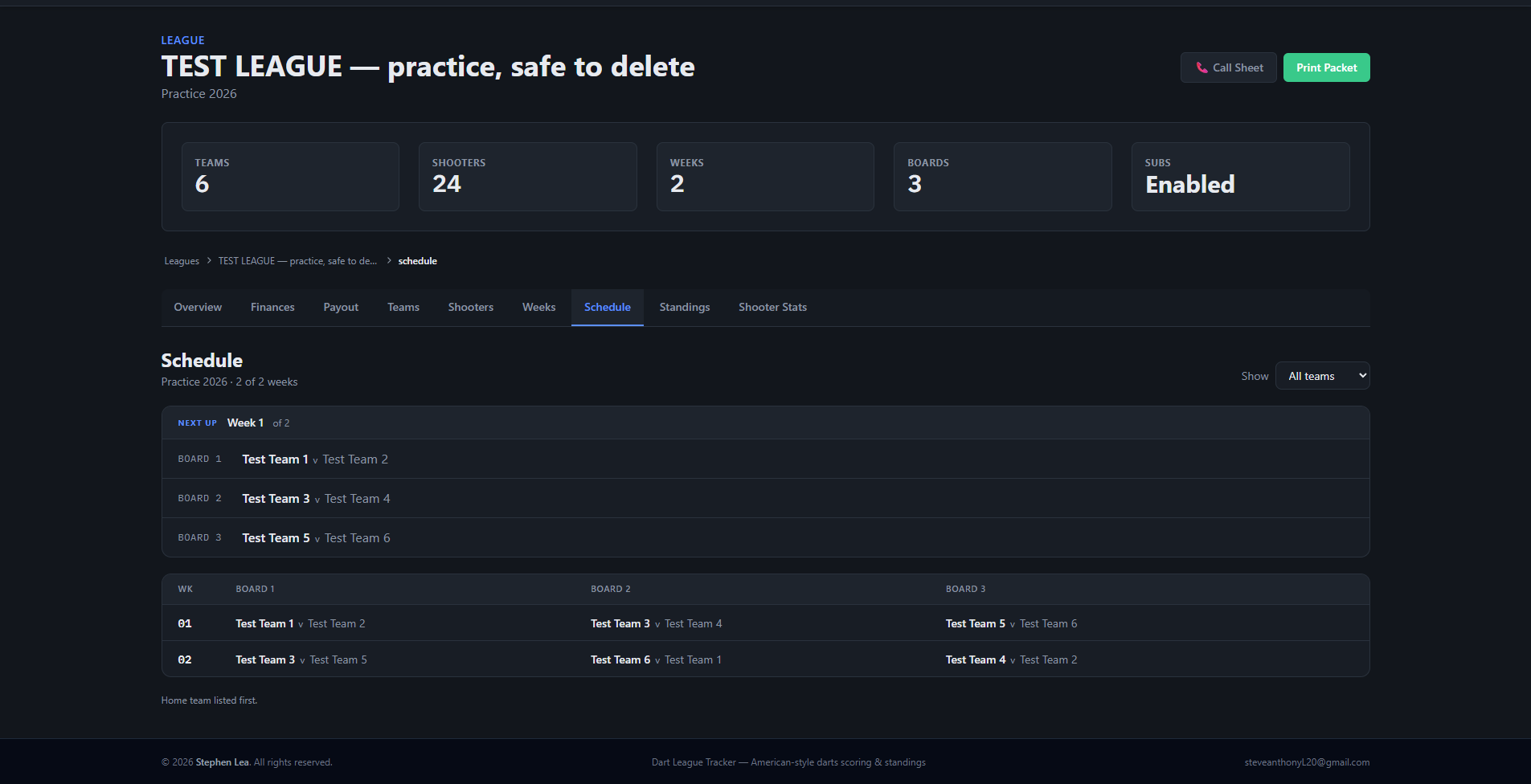
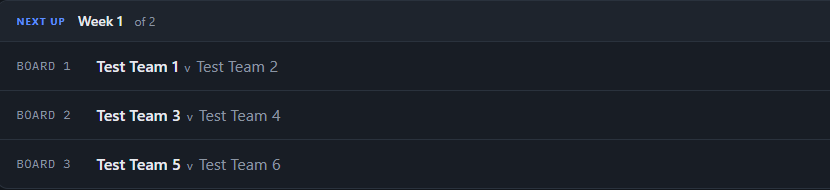
The Schedule tab shows the season on one screen: a row per week, a column per board, home team first. The week being played is marked live and finished weeks are marked played. Pick a team from the dropdown and every week they are not in fades out — which answers “when do we play them?” at a glance.
Everyone who can see the league can see it, viewers included. Changes are made on the Weeks tab.
In the print packet#
The packet prints the full schedule grid. Weeks already played are shaded green, the week the packet is for is orange, and weeks to come are plain.