
League night
The TV Scoreboard
Every board of tonight's week on the bar's television, inning by inning, readable from across the room.
Everyone2 sectionsabout 1 min
What it shows#
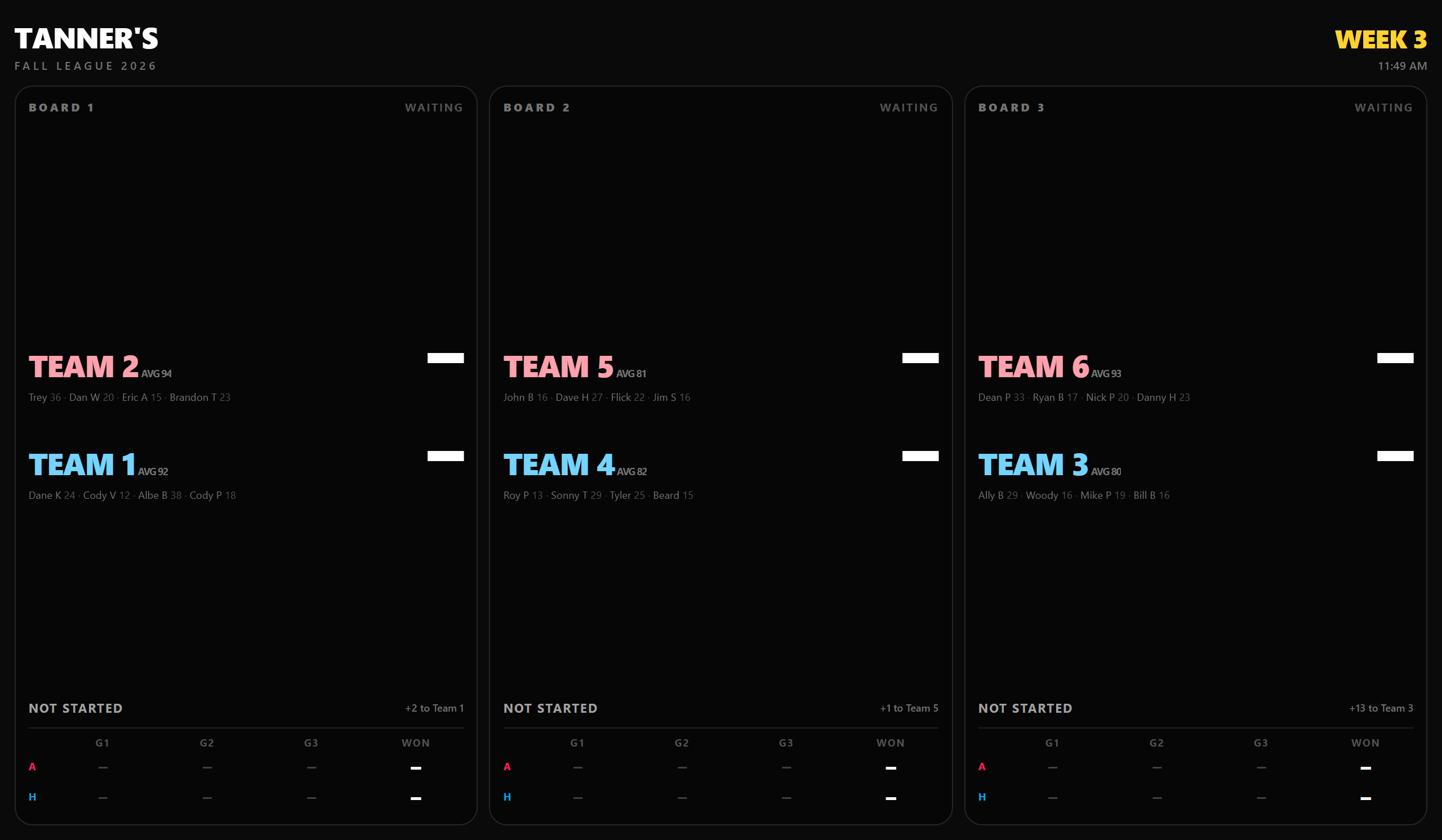 Open full size ↗
Every board of the week being played, following each game inning by inning. Each team shows the number that decides the game in large type — what they have thrown plus any handicap — with the arithmetic beside it, so the room can see where the number came from.
It only shows; nothing can be changed from it. Text scales to the screen, so it reads on a laptop and on a big TV alike.
Putting it on the TV#
- 1On the TV's browser, TV stick or an old laptop, go to the app's address followed by /tv.
- 2It goes straight to the public league being played. If more than one is, or none is, it asks which, in buttons big enough for a remote. With more than one venue on the system it asks which venue once, and remembers the answer on that device.
- 3Leave it there. It follows the games as they are scored.
Tip
From a tablet, 📺 TV view on the boards screen opens the same thing in a new tab.
Good to know
The TV needs no login for a public league. A private league still needs a login with access to it — the same as its standings.
Related
League nightLive Scoring on a TabletGetting a tablet to the boards, scoring each inning, who is up and on deck, the two team totals, and what the connection light and the signed-out sheet mean.Running a seasonBuilding a New SeasonThe League Builder, step by step: season settings, teams and rosters, subs, the schedule — and turning on public standings once it is built.