
Running a season
Building a New Season
The League Builder, step by step: season settings, teams and rosters, subs, the schedule — and turning on public standings once it is built.
Starting the builder#
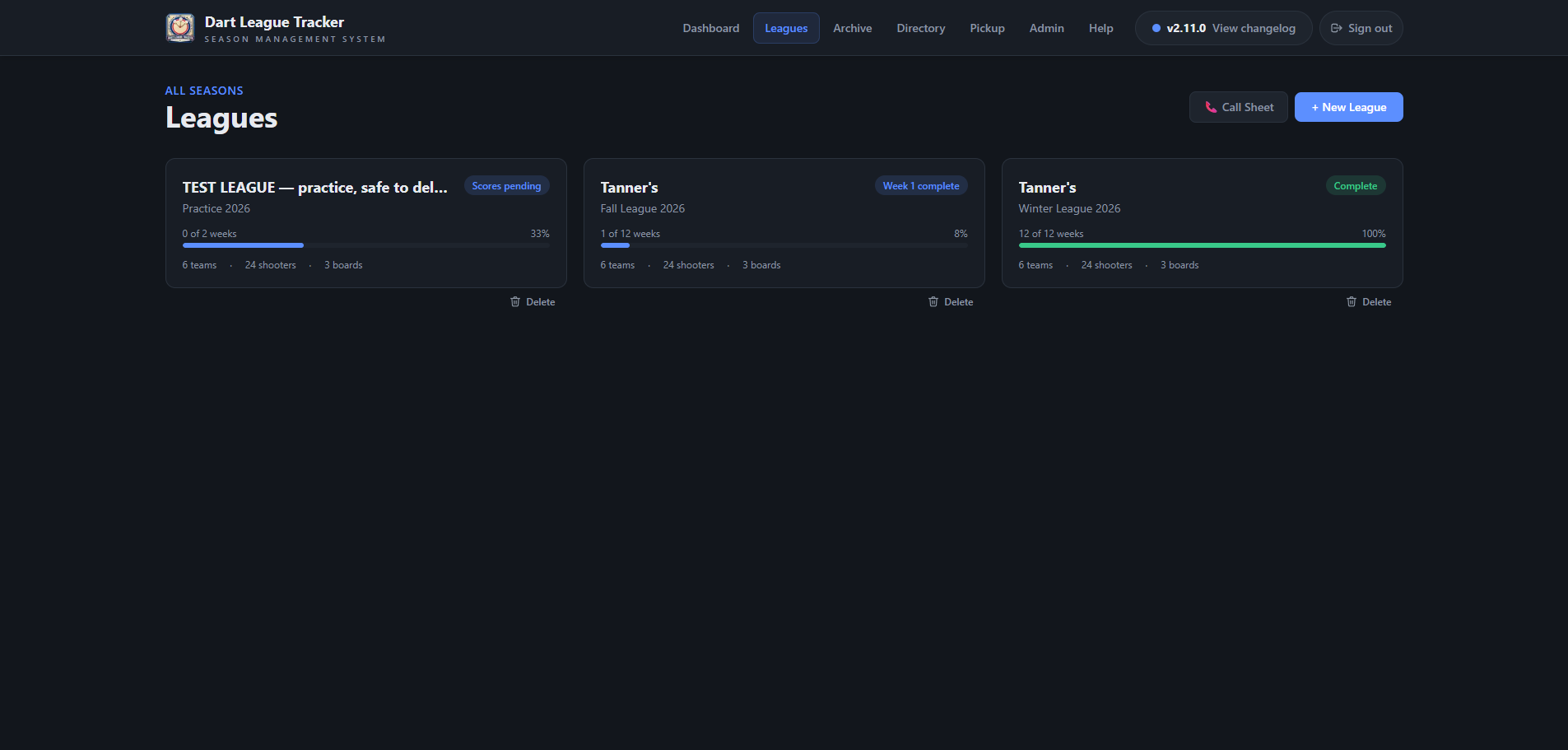 Open full size ↗
Go to Leagues and tap + New League. The League Builder takes the season from nothing to a schedule in five steps, shown across the top so you can always see where you are.
Good to know
A season belongs to one venue. If you are an admin of more than one, the builder asks which first.
The five steps#
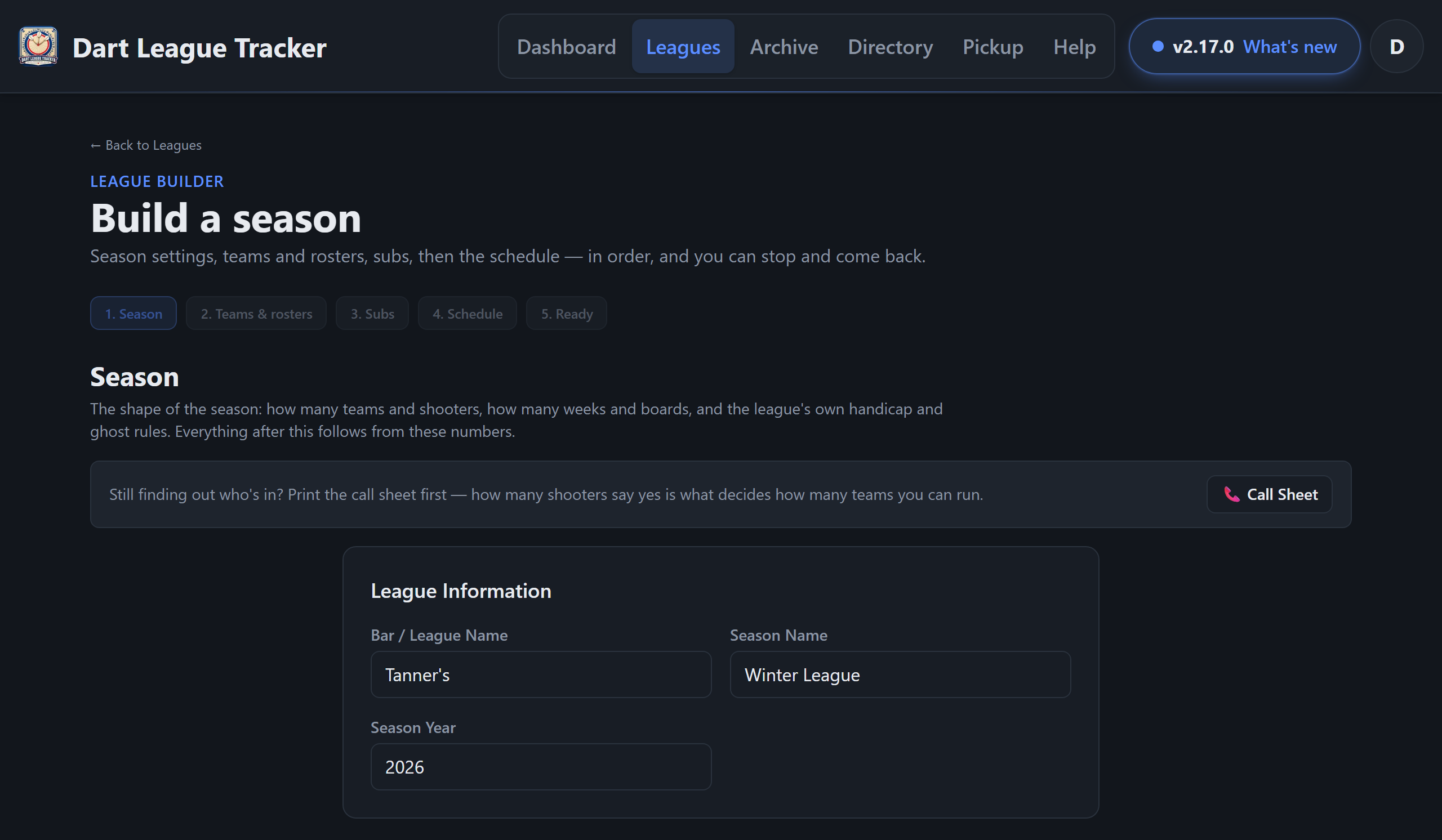 Open full size ↗
| Step | What you do |
|---|---|
| Season | League name, season name and year; weeks, boards, teams and shooters per team; weekly dues and the zap price; whether subs are allowed; the handicap % and the ghost % for week 1 and after. Create League makes the league. |
| Teams & rosters | Who is on each team, with each team's average updating as you type. Names that match the directory fill in their last average. Pick teams can draft them for you. |
| Subs | Anyone who might fill in. Subs belong to the league, not a team, so any board can use them. Can be skipped and done later. |
| Schedule | Generate the schedule, read how it came out, and Generate again for a different draw if you like. |
| Ready | Each team with its roster and team average, anything still missing, and links to open the league, print the packet or go to live scoring. |
Tip
The Season step starts filled in with your venue's League defaults, set on the Settings page — so a venue that always runs 12 weeks on 3 boards types nothing.
Good to know
The weeks, boards and teams are fixed once the league is created, because the schedule is built on them. Everything else — the name, season, dues, zap price, subs, handicap % and ghost % — can be changed later with Edit under Season Settings on the league's Overview tab. A change counts from then on; scores already saved keep their numbers.
Left the builder part way? The league already exists. Finish it from its own tabs: Teams → ⚡ Quick Setup for rosters, Shooters for subs, Weeks for the schedule.
Public standings#
On the league's Overview tab, Public Standings lets anyone with the link see the standings and shooter stats without logging in. Turn it on and tap Copy link to share it.
Tip
Turning it off blocks the link straight away. A public league is also what lets the TV scoreboard run without a login.
Deleting a league#
Danger Zone at the bottom of the Overview tab deletes the league and everything in it. Admins also see a Delete button under each league on the Leagues page. It asks first, and it cannot be undone.