
Money & printing
League Finances
Tracking dues, zap money and your own third column each week, and checking the cup against the zaps actually thrown.
Tracking weekly collections#
 Open full size ↗
 Open full size ↗
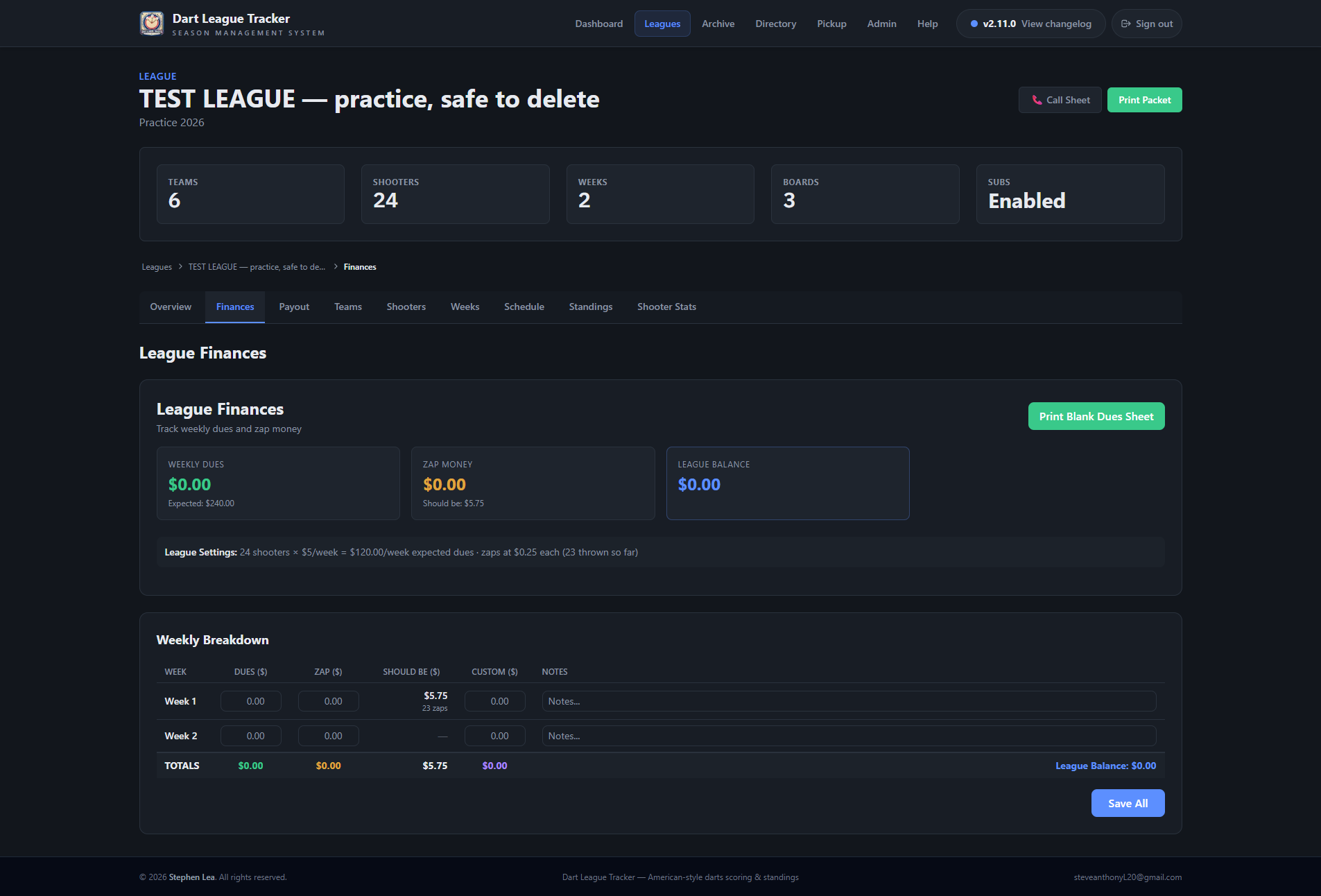
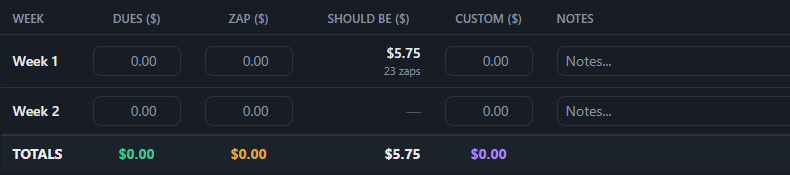
- 1Go to the league's Finances tab. Each row is a week.
- 2Enter Dues ($), Zap ($) and the third column — whatever your league has named it.
- 3Add notes for the week if you like.
- 4Tap Save All to save every week at once.
Good to know
Should Be ($) is worked out, not typed: the zaps the games recorded that week times the zap rate, with the zap count under it. The small figure beside it is the gap against what you counted: green when the cup is over, red when it is short.
Tip
The zap rate is the league's Zap Money — Cup / Pot ($ per zap), set when it was built — a quarter a zap at Tanner's. At 0, Should Be stays blank.
The third money column#
It arrives called Custom. Tap rename beside Weekly Breakdown and call it what it is — a party fund, shirts, a raffle. The name follows it onto the end-of-season sheet.
Good to know
It is money set aside, not money handed out, so it never reaches the payout pot.
In the print packet#
The packet's overview page shows the running totals of dues, zap money and the third column through the weeks played.